Note: Effective January 31st, 2026, the Virtual Communications Express (VCE) MobileConnect App will be discontinued which will prevent further mobile and PC use. This change will not impact your use of an IP desktop phone. To discuss other service options available, please call 1-800-VERIZON (1-800-837-4966) to speak with a sales representative.
How do I perform a call pull?
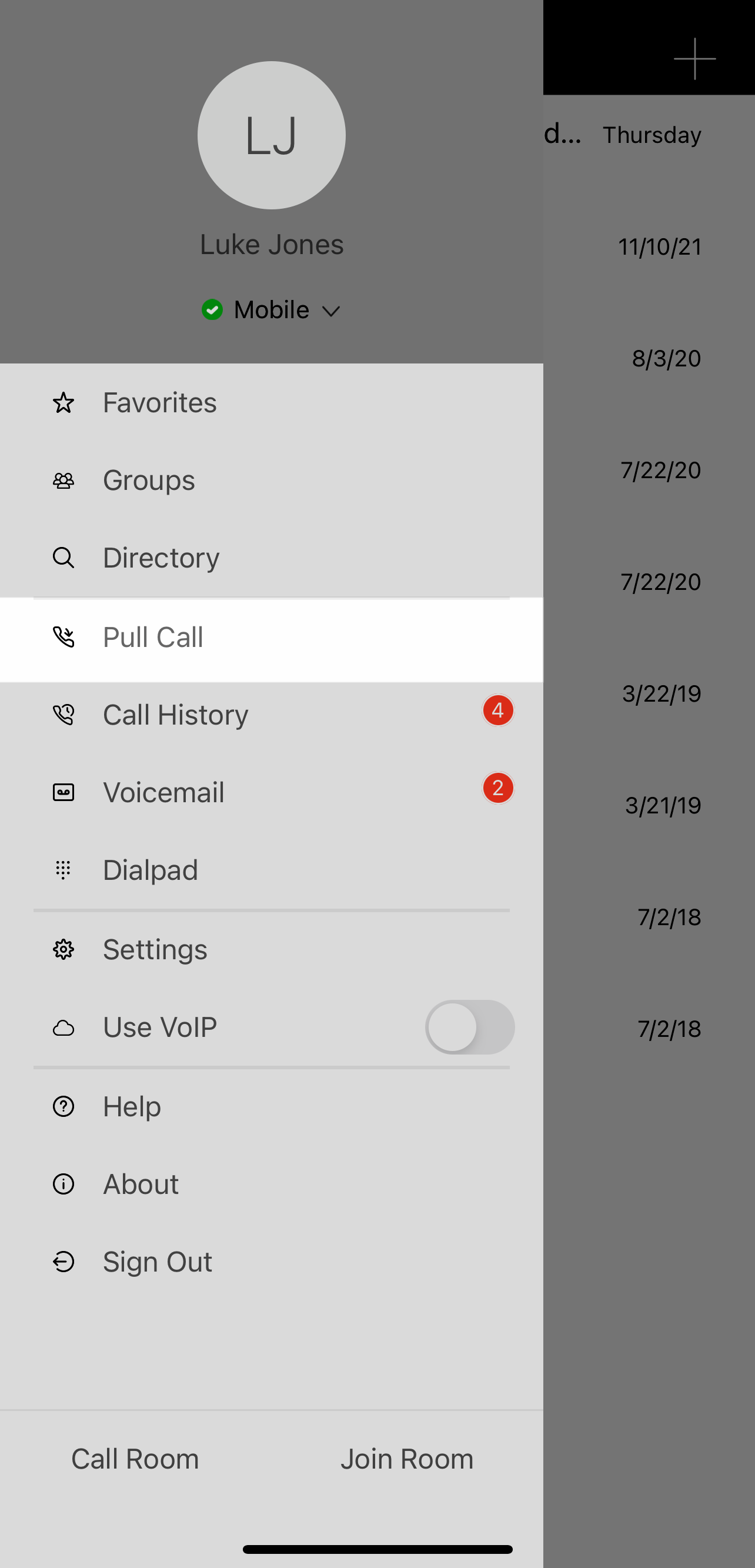
You can seamlessly pull your active call from your desktop phone to your mobile app, when you're in transition, with the call pull feature.
To pull a call:
- Open the menu and tap on Pull Call.
- The call moves from your desktop Communicator application to your mobile client.